
Views: 0 Author: Site Editor Publish Time: 2026-02-21 Origin: Site


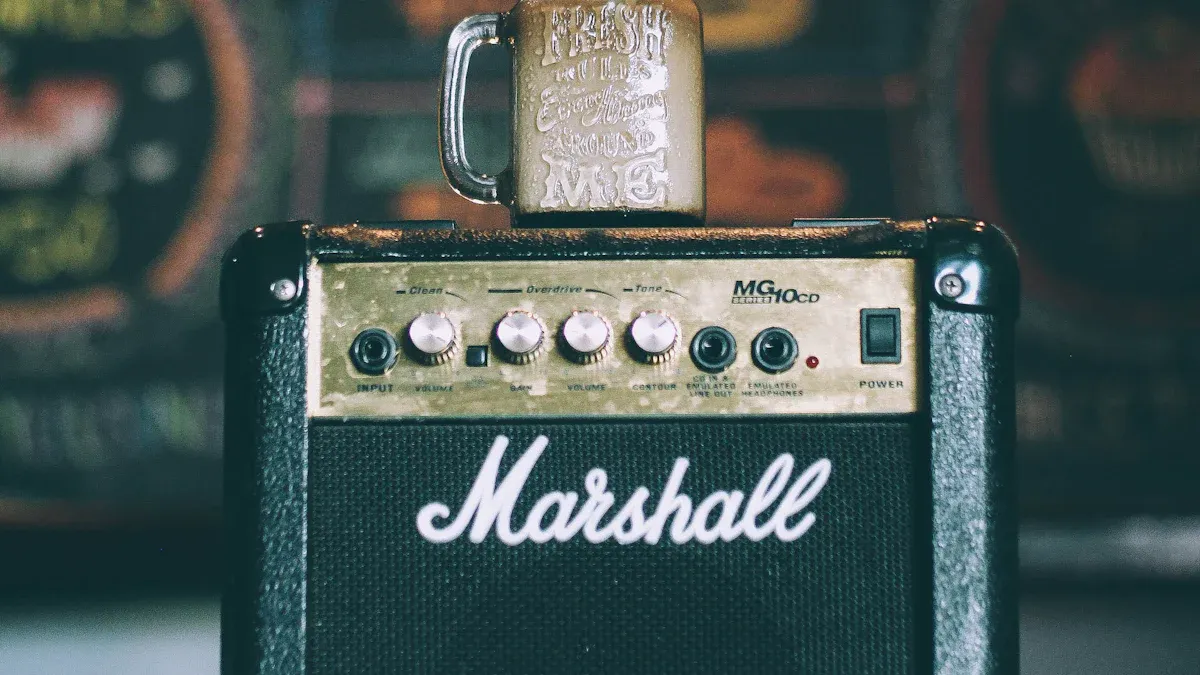
Daily maintenance protects your amplifier and keeps your audio system running smoothly. You improve reliability and sound quality when you clean dust, check connections, and keep your amplifier in a cool, dry place. Daily maintenance prevents overheating and reduces heat buildup, which helps your amplifier last longer. You avoid performance issues by turning off your amplifier when not in use. Simple habits like daily maintenance make a big difference for your audio equipment.
Consistent daily maintenance ensures your amplifier delivers clear audio every time.
Daily maintenance keeps your amplifier running smoothly and improves sound quality.
Regularly clean dust from your amplifier to prevent overheating and performance issues.
Check all connections frequently to avoid sound distortion and interruptions.
Ensure proper ventilation around your amplifier to help it stay cool and function well.
Use a microfiber cloth for cleaning to avoid scratches and maintain the amplifier's appearance.
Monitor volume levels to prevent damage to your amplifier and speakers.
Store your amplifier in a dry, cool place to protect it from moisture and temperature damage.
Consider using a surge protector to safeguard your amplifier from electrical spikes.
A professional power amplifier contains several key components. Each part works together to deliver strong, clear sound. When you understand these parts, you can take better care of your equipment and prevent problems before they start.
The power supply acts as the heart of your amplifier. It converts electrical energy from your wall outlet into the voltage and current your amplifier needs. A stable power supply ensures your amplifier runs smoothly and delivers consistent sound. If the power supply fails, your amplifier cannot function.
Inputs and outputs serve as the connection points for your audio sources and speakers. Inputs receive signals from mixers, instruments, or other devices. Outputs send the amplified signal to your speakers. Clean and secure connections prevent unwanted noise and signal loss. You should check these connections often to avoid interruptions during performances.
The cooling system keeps your amplifier from overheating. Most amplifiers use fans or heat sinks to move heat away from sensitive parts. Good airflow protects the internal components and helps your amplifier last longer. If dust blocks the cooling system, your amplifier can overheat and shut down.
Tip: Always keep vents and fans clear of dust and debris. This simple habit can prevent costly repairs.
Below is a table that shows the main components of a professional power amplifier and their roles in performance:
Component | Role in Performance |
|---|---|
Transistors and Tubes | Amplify the audio signal, with transistors in solid-state amplifiers and tubes in tube amplifiers. |
Heat Sinks | Dissipate excess heat produced during amplification, ensuring smooth operation. |
Power Supply Units | Convert electrical energy to the desired voltage and current levels for amplification. |
Capacitors and Resistors | Regulate the flow of electrical signals, maintaining signal integrity and consistency. |
You must care for each part of your amplifier to keep it working at its best. Neglecting maintenance can lead to performance problems, overheating, or even complete failure. Proper care helps preserve the integrity of electronic components and ensures you get the best sound quality every time you use your amplifier.
Regular cleaning and inspection prevent dust buildup and loose connections.
Careful handling protects delicate parts from damage.
Routine checks extend the lifespan of your amplifier and save you money on repairs.
When you follow these habits, you protect your investment and enjoy reliable performance. For high-quality amplifiers and maintenance tips, you can explore Auway’s PA1.3 Power Amplifier for more details.
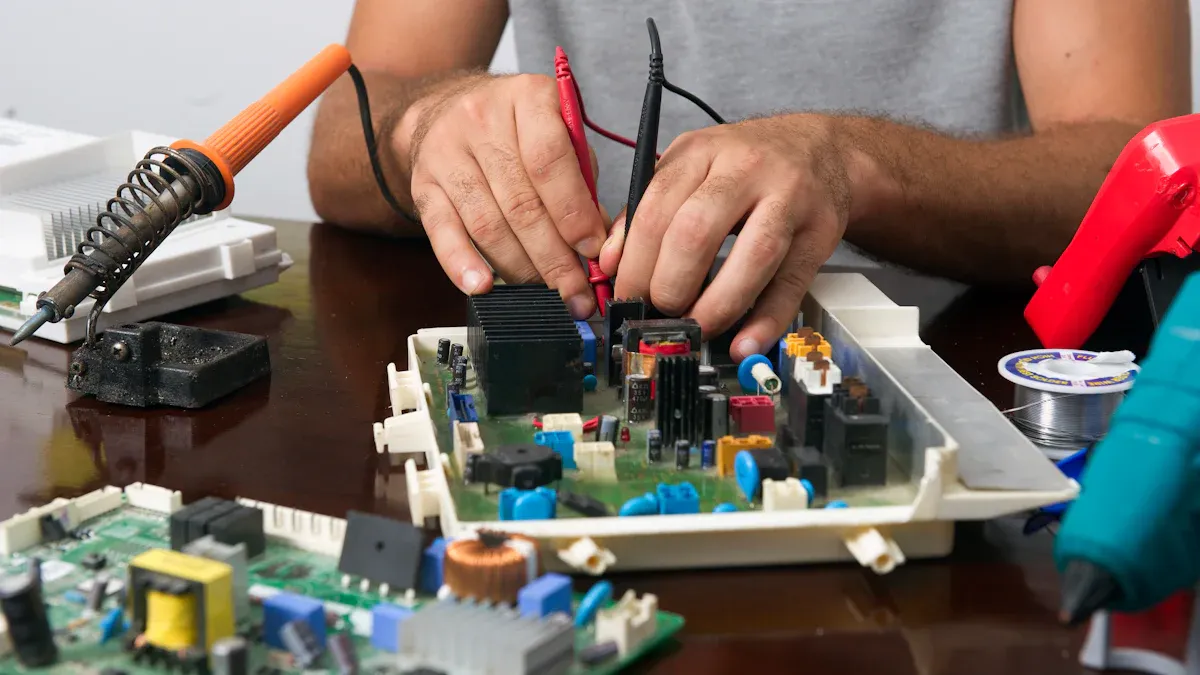
You should start your routine maintenance with a visual inspection of your amplifier. Look for dust and debris on the surface, vents, and around the filters. Dust can block airflow and cause overheating. Over time, this reduces the performance of your amplifier and may even damage internal components. Use a flashlight to check hard-to-see areas. If you notice a buildup, plan to clean your amplifier right away. Regular cleaning prevents dust from accumulating and helps your amplifier run smoothly.
Tip: Make it a habit to check for dust every day before you power on your amplifier. This simple step can prevent many common issues.
Loose connections can cause sound distortion or sudden loss of audio. During your daily maintenance, gently wiggle each cable and connector. If you find any that move or feel loose, unplug and reconnect them securely. Check both input and output connections. A quick inspection can save you from problems during a performance or recording session.
You should always use a microfiber cloth when you clean your amplifier. Microfiber traps dust and dirt without scratching surfaces. Wipe down the exterior, control knobs, and vents. Avoid using paper towels or rough fabrics, as these can leave scratches or lint. For stubborn spots, lightly dampen the cloth with water. Never spray liquid directly onto your amplifier.
You need to keep it clean to maintain top performance. Industry guidelines recommend regular cleaning to prevent dust buildup, which can lead to overheating and reduced performance. For most professional power amplifiers, monthly cleaning is a good rule. However, if you use your amplifier in a dusty environment, increase the frequency to weekly or even daily. Consistent cleaning extends the lifespan of your equipment and keeps your sound clear.
Regular cleaning of AV equipment, including amplifiers, is essential to prevent dust accumulation.
Dust and dirt can lead to overheating and reduced performance if not addressed.
Consistent cleaning helps extend the lifespan of the equipment.
Check the quality of your cables during routine maintenance. Look for frayed wires, bent connectors, or signs of wear. Damaged cables can cause signal loss or noise. Replace any cables that show damage. High-quality cables ensure your amplifier receives a clean signal and delivers the best sound.
Make sure your amplifier’s power connection is secure. A loose power cord can cause your amplifier to shut off unexpectedly. Check the plug and outlet for a snug fit. If you use a power conditioner, inspect it as well. Secure power connections protect your amplifier from sudden interruptions and help maintain stable operation.
Note: Always turn off your amplifier before checking or adjusting any connections.
You should include these steps in your daily routine maintenance. Visual inspection, cleaning, and connection checks form the foundation of regular maintenance. These habits help you keep it clean, prevent overheating, and ensure reliable performance. Do not forget to clean or replace air filters as part of your air filter cleaning schedule. Filters play a key role in keeping dust out of your amplifier. If you want to learn more about professional amplifiers with advanced filters, visit the Auway PA1.3 Power Amplifier page.
Proper ventilation protects your amplifier from overheating and ensures reliable performance. You need to pay attention to airflow space and overheating prevention every day.
You must create enough space around your amplifier for air to move freely. Good ventilation helps heat escape and keeps internal components cool. Follow these steps to maintain airflow:
Move your amplifier out of enclosed cabinetry or tight shelving.
Leave at least 2–3 inches of clearance at the top and sides for heat to escape.
Maintain at least 10–15 cm (4–6 in) clearance around your amplifier.
Avoid stacking heat-generating equipment directly on top.
Place your amplifier in a well-ventilated area, away from other electronic devices that generate heat.
Tip: If you use your amplifier in a rack with other equipment, consider lifting it or adding a small fan to improve airflow.
You can prevent overheating by checking your amplifier’s environment and making small adjustments. Good ventilation and regular cleaning work together to keep your amplifier cool. Here are some practical steps:
Keep the amplifier case dust-free to allow air to flow smoothly.
Use an extra fan if necessary to enhance airflow.
Avoid placing your amplifier in enclosed spaces or near heat sources.
Keep your amplifier in a cool area and avoid extreme temperatures.
Note: Overheating can cause sudden shutdowns or damage internal parts. You protect your investment by making ventilation a daily habit.
If you want an amplifier with advanced cooling features, you can explore the Auway PA1.3 Power Amplifier. This model offers reliable performance and supports proper ventilation for professional use.
You protect your investment and achieve peak amp performance when you follow proper amplifier maintenance. These practices help you avoid costly repairs and keep your amplifier running at a high level of performance. You also maintain warranty compliance by caring for your equipment according to manufacturer instructions.
Regular amplifier maintenance is the foundation for reliable sound and long-lasting equipment.
Electrical surges can damage your amplifier and reduce peak amp performance. You should use a quality surge protector or power conditioner to safeguard your amplifier against voltage spikes and electrical fluctuations. Power conditioners filter out noise and stabilize voltage, which helps your amplifier deliver clear audio. You prevent sudden shutdowns and protect sensitive internal components when you use surge protection.
Tip: Choose a surge protector with enough outlets for all your audio gear. This ensures your entire system stays safe.
If you want a reliable amplifier with advanced protection features, consider the Auway PA1.3 Power Amplifier. This model supports stable operation and peak amp performance in professional environments.
You minimize the risk of physical damage when you handle your amplifier carefully. Always keep several inches of clear space around the top and sides for ventilation. Avoid stacking other components on top or placing your amplifier in a sealed cabinet. You protect your amplifier from overheating and maintain peak amp performance by following these steps:
Allow clear space for airflow.
Avoid stacking equipment.
Keep your amplifier in a climate-controlled, low-humidity environment.
Use a surge protector for electrical safety.
You should transport your amplifier in a padded case or box. Secure the amplifier to prevent movement during transport. Handle the amplifier gently and avoid dropping or bumping it.
You maintain peak amp performance when you monitor volume levels. Listen for distortion at high volumes. Reduce the volume if you hear any distortion. High volume can strain internal components and cause damage. You protect your amplifier and speakers by keeping volume within safe limits.
Note: You extend the life of your amplifier when you avoid pushing it to maximum output for long periods.
If you use a tube-based amplifier, you need to inspect the tubes regularly. Tubes wear out over time and affect peak amp performance. You should check tubes every 1,000 to 10,000 hours of use. Look for signs of wear, such as a dull tone, blunted transients, or a decrease in amplifier gain. Replace tubes when you notice these changes.
You keep your amplifier running at a high level of performance when you follow a replacement schedule. Inspect tubes during regular amplifier maintenance. Replace tubes if you notice any drop in sound quality or gain. This habit ensures your amplifier delivers peak amp performance and reliable sound.
Tip: Keep spare tubes on hand for quick replacement. This prevents downtime during important events.
Proper amplifier maintenance helps you stay within warranty guidelines. Manufacturers require you to follow maintenance instructions and avoid misuse or neglect. You protect your warranty when you care for your amplifier and use it as intended.
Warranty Condition | Description |
|---|---|
Free of Defects | Products must be free of defects when maintained according to instructions and normal use. |
Misuse and Neglect | Warranty voided if products are misused, neglected, or improperly maintained. |
You maintain warranty coverage when you clean, inspect, and handle your amplifier properly. You avoid voiding your warranty by following these practices.
Callout: You can find recommended accessories and maintenance tools for your amplifier at Auway’s official website.
You achieve peak amp performance and extend the life of your amplifier when you follow these maintenance practices. You protect your investment, maintain warranty coverage, and enjoy reliable sound every day.
Keeping your amplifier in top condition requires more than just cleaning. You need to focus on audio amplifier maintenance routines that help you spot problems early and keep your equipment reliable for years. Let’s look at the steps you should take for regular inspections and maintenance.
You should check your amplifier every week. Routine inspections help you catch small issues before they become big problems. Pay attention to both wear signs and malfunction indicators.
Look for these common signs of wear during your audio amplifier maintenance:
Check for worn or frayed cables connected to your amplifier.
Inspect the control knobs and switches for looseness or unusual resistance.
Examine the chassis for scratches, dents, or discoloration.
Monitor the temperature and humidity around your amplifier, as extreme conditions can speed up wear.
Review the air filters every six months to prevent overheating.
You should understand how each part of your audio signal chain interacts. This helps you avoid misdiagnosing problems that may not come from the amplifier itself.
Watch for these indicators that your amplifier may need attention:
Listen for unexpected noises, such as hums, crackles, or pops in your audio.
Notice any sudden drops in volume or loss of clarity.
Check error logs if your amplifier has a digital display. Regularly reviewing these logs helps you find faults before they get worse.
Look for warning lights or messages on the amplifier’s panel.
Make sure air filters are clean to keep airflow strong and prevent thermal shutdown.
Tip: Recognizing patterns in failures, especially those linked to environmental factors, can help you prevent future issues.
Sometimes, you need expert help to keep your amplifier performing at its best. Knowing when to seek professional servicing is a key part of audio amplifier maintenance.
You should contact a technician if you notice:
Persistent audio distortion that does not improve after basic troubleshooting.
Repeated shutdowns or overheating, even after cleaning and checking airflow.
Error messages or warning lights that you cannot resolve.
Physical damage to internal components.
Do not try to fix complex problems yourself. You could cause more damage or void your warranty.
Choose a technician with experience in professional audio equipment. Ask about their background with your amplifier model. A qualified expert will use the right tools and follow safe procedures. This ensures your amplifier gets the care it needs for a long life.
Note: Regular professional servicing, combined with your own routine checks, forms a strong foundation for audio amplifier maintenance.
Modern amplifiers often use firmware to control their features. Keeping firmware up to date is an important part of audio amplifier maintenance.
Follow these steps to update your amplifier’s firmware:
Visit the manufacturer’s website, such as Auway’s PA1.3 Power Amplifier, to find the latest firmware.
Download the update file and review the instructions.
Connect your amplifier to your computer or network as directed.
Run the update and wait for confirmation that it is complete.
Always read the manual before starting an update. Interrupting the process can cause problems.
Firmware updates offer several advantages for your amplifier:
Gain access to the latest features and improvements.
Fix operational irregularities that could affect audio performance.
Prevent potential issues before they arise by staying current with updates.
Keeping your amplifier’s firmware updated ensures you get the best sound quality and reliability from your audio system.
By following these audio amplifier maintenance steps, you extend the life of your equipment and enjoy clear, dependable audio. Make routine inspections, professional servicing, and firmware updates part of your regular care plan.

Proper storage plays a key role in protecting your stereo amplifier from environmental damage. You can extend the life of your amplifier by choosing the right location and controlling the climate around your equipment. Many failures happen because users overlook the impact of moisture and temperature. You should always consider these factors when setting up your stereo amplifier.
Moisture can cause serious problems for your stereo amplifier. High humidity encourages mold growth and corrosion on internal parts. You should always keep your amplifier in a dry and clean environment. This prevents moisture from damaging sensitive electronics and metal contacts.
You need to store your stereo amplifier in a place with low humidity. A climate-controlled room works best. Humidity above 60% can lead to mold and rust inside your amplifier. In humid climates, you should use silica gel packs near your stereo amplifier to absorb extra moisture. These packs help keep the inside of your amplifier dry. You can also use a dehumidifier in the storage area if you live in a region with high humidity.
Tip: Check the humidity level in your storage space with a simple hygrometer. Keep it below 60% for best results.
If you want a stereo amplifier designed for professional use and reliable storage, you can learn more about the Auway PA1.3 Power Amplifier.
Temperature swings can damage your stereo amplifier. Extreme heat can warp plastic parts and weaken solder joints. Cold can cause condensation, which leads to moisture problems. You should always keep your amplifier in a stable, cool environment.
You should avoid placing your stereo amplifier in direct sunlight or near heaters. High temperatures above 95°F (35°C) can damage the housing and internal components. In dry climates, you must still protect your amplifier from heat. Use air conditioning or fans to keep the temperature steady. Never store your stereo amplifier in a car or attic, where temperatures can change quickly.
Here is a quick reference table for ideal storage conditions:
Factor | Recommended Range | Why It Matters |
|---|---|---|
Humidity | Below 60% | Prevents mold and corrosion |
Temperature | 60°F–75°F (16°C–24°C) | Avoids heat damage and condensation |
Sunlight | Indirect or none | Prevents UV and heat-related damage |
Note: Always check your stereo amplifier for signs of moisture or heat damage before use. Early detection helps you avoid costly repairs.
You protect your stereo amplifier when you pay attention to both moisture and temperature. Good storage habits keep your amplifier ready for every performance.
Choosing the right amplifier and accessories helps you maintain your equipment and enjoy reliable performance. You can trust Auway amplifiers for their durability and easy maintenance. Below, you will find recommendations for both amplifiers and essential maintenance tools.
You want an amplifier that delivers consistent sound and requires minimal upkeep. Auway amplifiers stand out because they offer features that make maintenance simple and effective. You can see the main advantages in the table below:
Feature | Details |
|---|---|
Maintenance Frequency | Every 12–18 months under normal use |
Maintenance Activities | Cleaning internal dust, checking connections, testing thermal sensors |
Self-Diagnostic Features | Reduces manual inspection needs |
You benefit from self-diagnostic features that alert you to issues before they affect your audio. You only need to perform basic maintenance every 12 to 18 months. This schedule saves you time and keeps your amplifier in top condition. You also get reliable thermal sensors that protect your amplifier from overheating.
If you want a model designed for professional use, check out the Auway PA1.3 Power Amplifier. This amplifier supports a high-performance audio experience and offers advanced protection for long-term use.
You can purchase Auway amplifiers directly from the official website. Visit https://www.cn-auway.com/ to explore the full range of products. You will find detailed specifications, user manuals, and support resources for each amplifier model.
Tip: Always buy from authorized dealers or the official website to ensure you receive genuine products and warranty support.
You need the right accessories to keep your amplifier clean and safe. Proper tools help you extend the life of your amplifier and maintain clear audio.
You should use these tools for regular amplifier maintenance:
Dust the exterior of your amplifier often to stop debris from entering the internal parts.
Use a soft, dry cloth for surface cleaning. This prevents scratches and keeps your amplifier looking new.
Apply compressed air to remove dust from vents and heat sinks. Always unplug your amplifier before cleaning.
These simple tools help you avoid dust buildup, which can cause overheating and reduce performance. Clean equipment supports a longer lifespan for your amplifier.
Protecting your amplifier from electrical surges is important for reliability. You can choose from several types of surge protectors, as shown in the table:
Type of Surge Protector | Application |
|---|---|
Low-voltage surge arrester | Low-voltage distribution system, electrical appliances protector |
Distribution arrester | 3, 6 and 10 kV AC power distribution systems |
Magnetic blow valve station arrester | 35 ~ 500 kV communication systems, transformers |
Direct current (DC) or blowing valve-type arrester | DC system insulation protection |
Receptacle-type surge arrester | Terminal electronic equipment protection |
Network arrester | Servers, workstations, interfaces |
When you select a surge protector, look for a low clamping voltage and a high joule rating. Lower clamping voltage means better protection for your amplifier. Higher joule ratings show the surge protector can absorb more energy.
Note: Using the right surge protector prevents sudden damage and keeps your amplifier running smoothly.
You can find recommended cleaning tools and surge protectors on the Auway website. These accessories help you maintain your amplifier and enjoy clear audio for years.
You can extend the lifespan of a stereo amplifier by following daily maintenance strategies. Focus on dust removal, fan operation checks, filter inspection, and connector maintenance. Use the table below to guide your routine:
Maintenance Task | Description |
|---|---|
Dust Removal | Vacuum dust and clean intake grilles |
Fan Operation | Inspect and test all cooling fans |
Filter Inspection | Check and replace clogged air filters |
Connector Maintenance | Retighten rack, signal, and power hardware |
Regularly review your amplifier’s cables and replace aging parts. Improve airflow and optimize rack positioning to reduce heat. These habits help you maximize the lifespan of a stereo amplifier and ensure reliable performance. For trusted solutions, explore the Auway PA1.3 Power Amplifier.
You should clean your amplifier every month. If you use it in a dusty environment, clean it weekly. Regular cleaning prevents overheating and keeps your sound clear.
Use a microfiber cloth for surface cleaning. Compressed air helps remove dust from vents. Avoid using water or harsh chemicals.
Keep your amplifier in a well-ventilated area. Leave space around it for airflow. Clean vents and fans regularly. Use a model with advanced cooling, like the Auway PA1.3 Power Amplifier.
Surge protection shields your amplifier from voltage spikes. It prevents sudden shutdowns and protects sensitive components. Use a quality surge protector or power conditioner.
Check tubes every 1,000 to 10,000 hours of use. Replace them if you notice dull sound or reduced gain. Keep spare tubes ready for quick swaps.
Look for persistent distortion, repeated shutdowns, or warning lights. If basic troubleshooting does not fix the issue, contact a qualified technician.
You can find trusted amplifiers and maintenance tools at Auway’s official website. The PA1.3 Power Amplifier offers advanced features for professional use.


